Using Firebase Database in Asp.Net
Understanding Firebase Database
Firebase is a powerful platform developed by Google that provides a suite of tools for building mobile and web applications. The Firebase Realtime Database allows developers to store and sync data in real-time across all clients, making it an excellent choice for applications that require instant data updates, such as chat applications, social media platforms, and collaborative tools.
By leveraging Firebase Database in your ASP.NET applications, you can achieve better performance, as data is stored in a NoSQL format and can be accessed quickly. This article will walk you through the steps to integrate Firebase Database with your ASP.NET application, ensuring you can harness its capabilities effectively.
Prerequisites
Before you start integrating Firebase with your ASP.NET application, ensure you have the following prerequisites:
- Visual Studio: Ensure you have Visual Studio installed with ASP.NET development features enabled.
- Firebase Account: Sign up for a Firebase account if you don't have one.
- Basic Knowledge of C# and ASP.NET: Familiarity with C# programming and ASP.NET MVC framework is essential for following this tutorial.
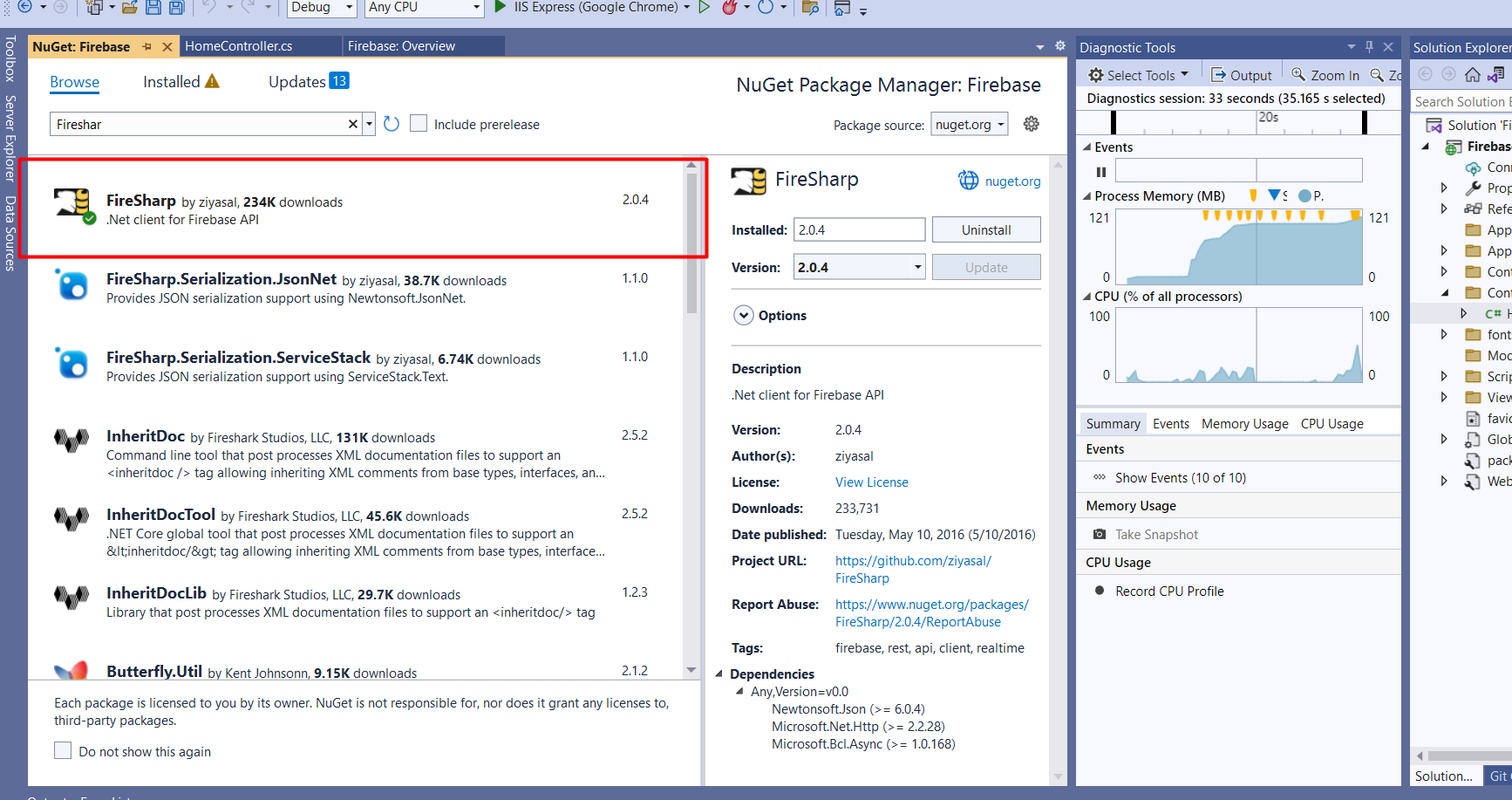
- NuGet Package Manager: You will need to install the FireSharp package to interact with Firebase.
Setting Up Firebase Database
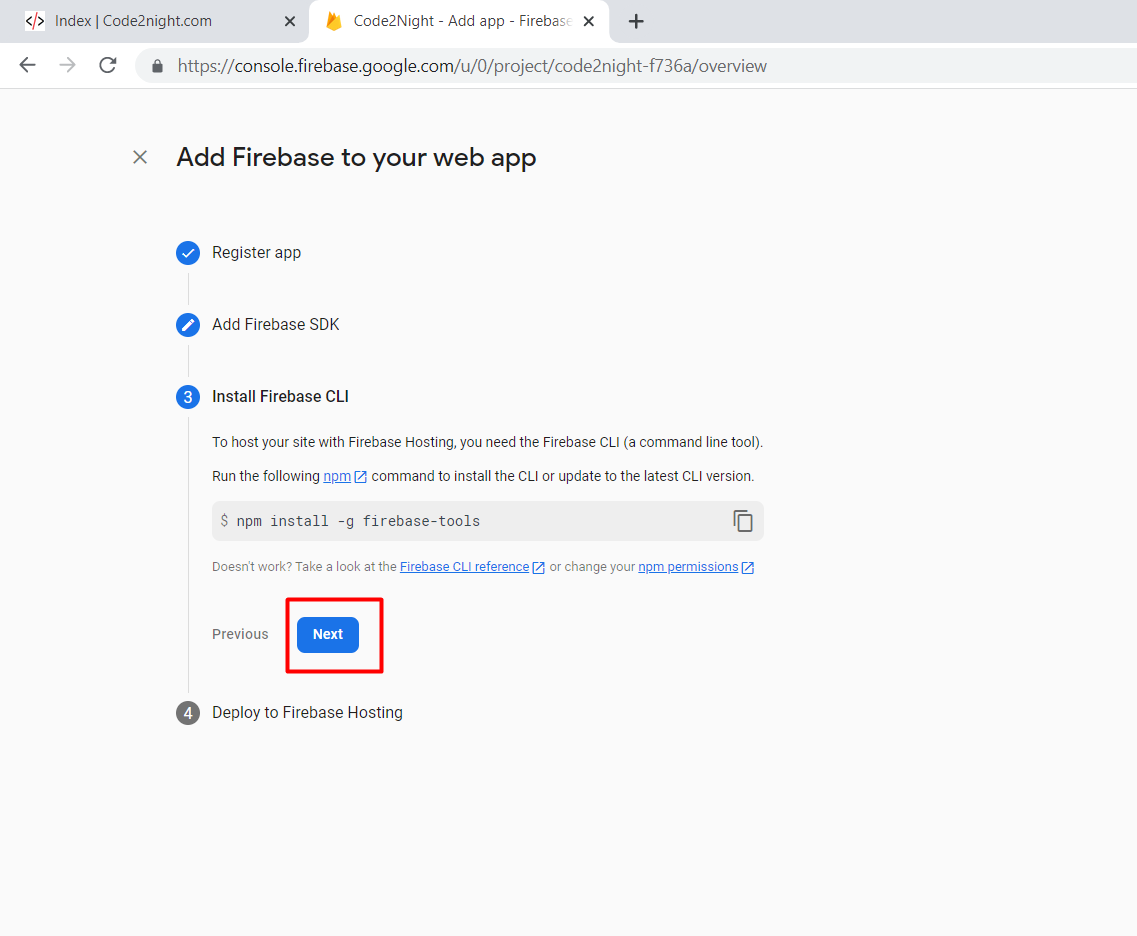
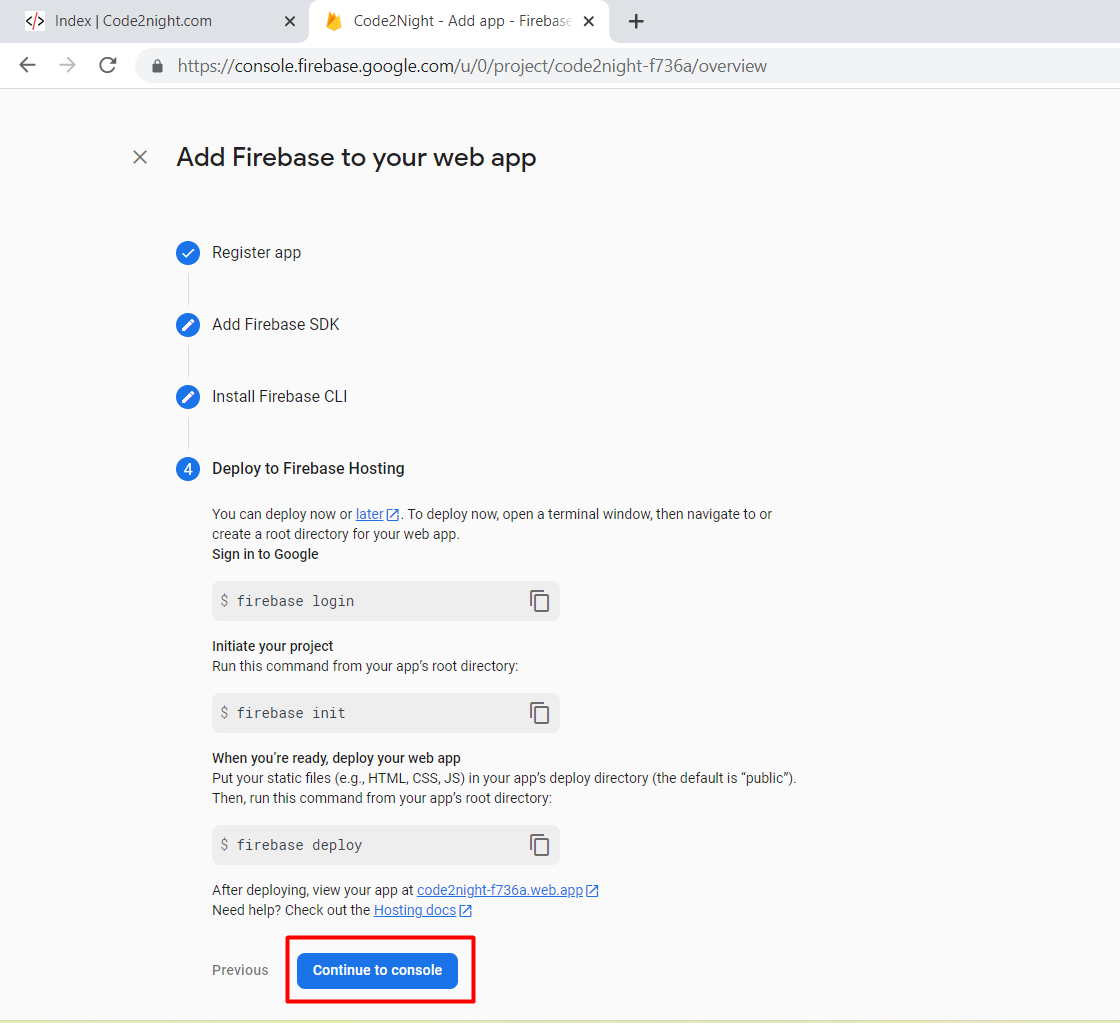
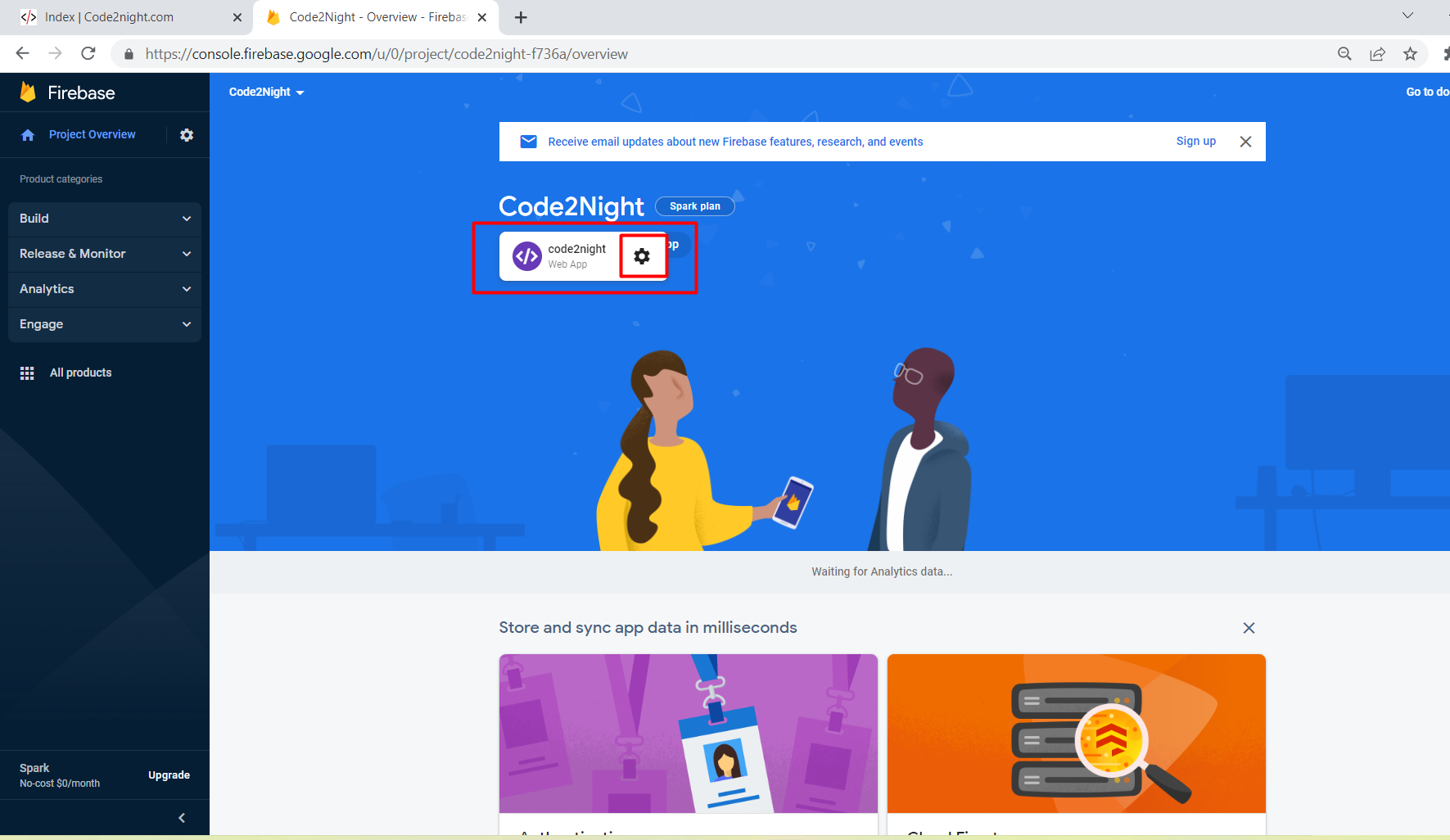
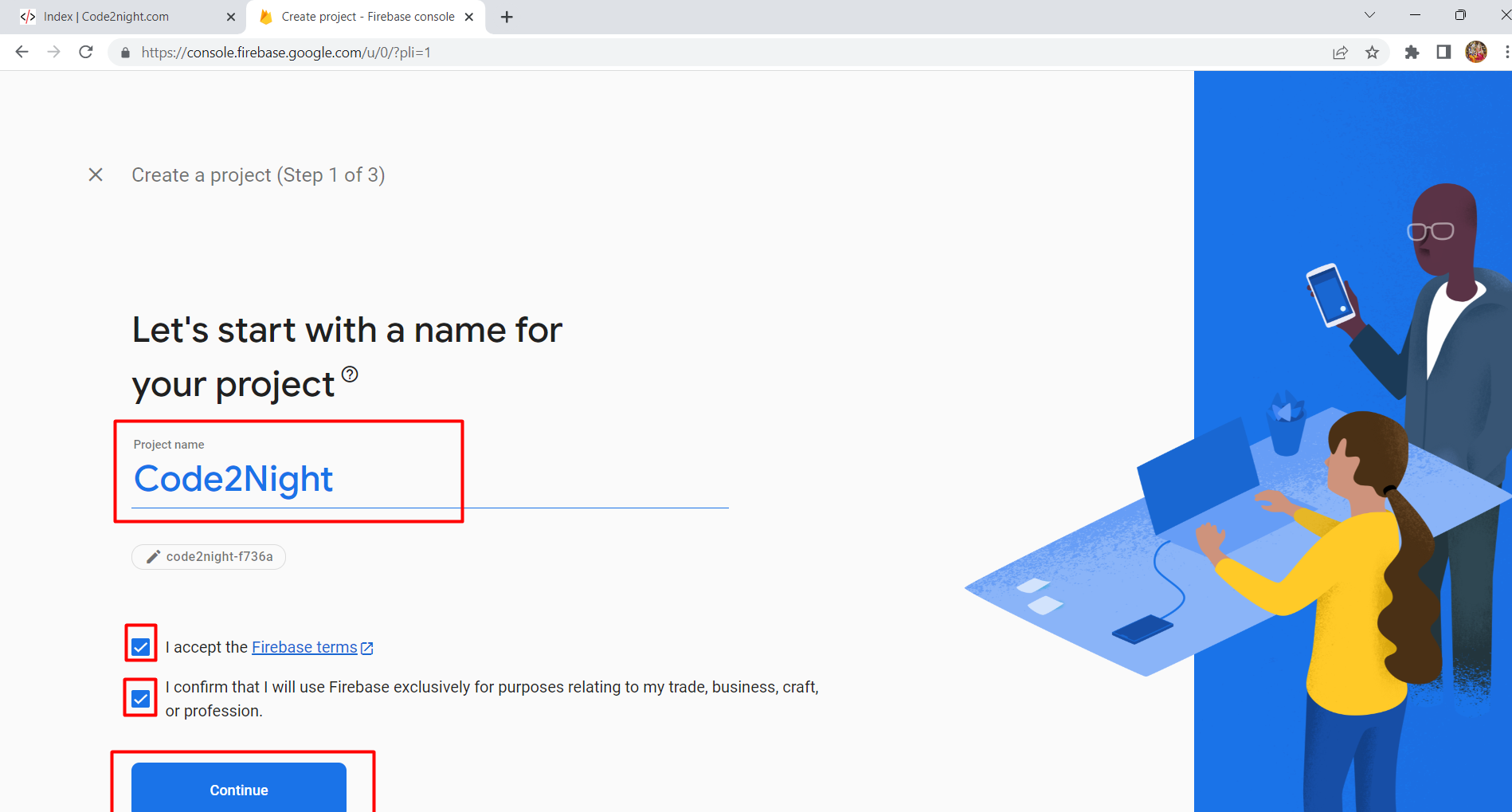
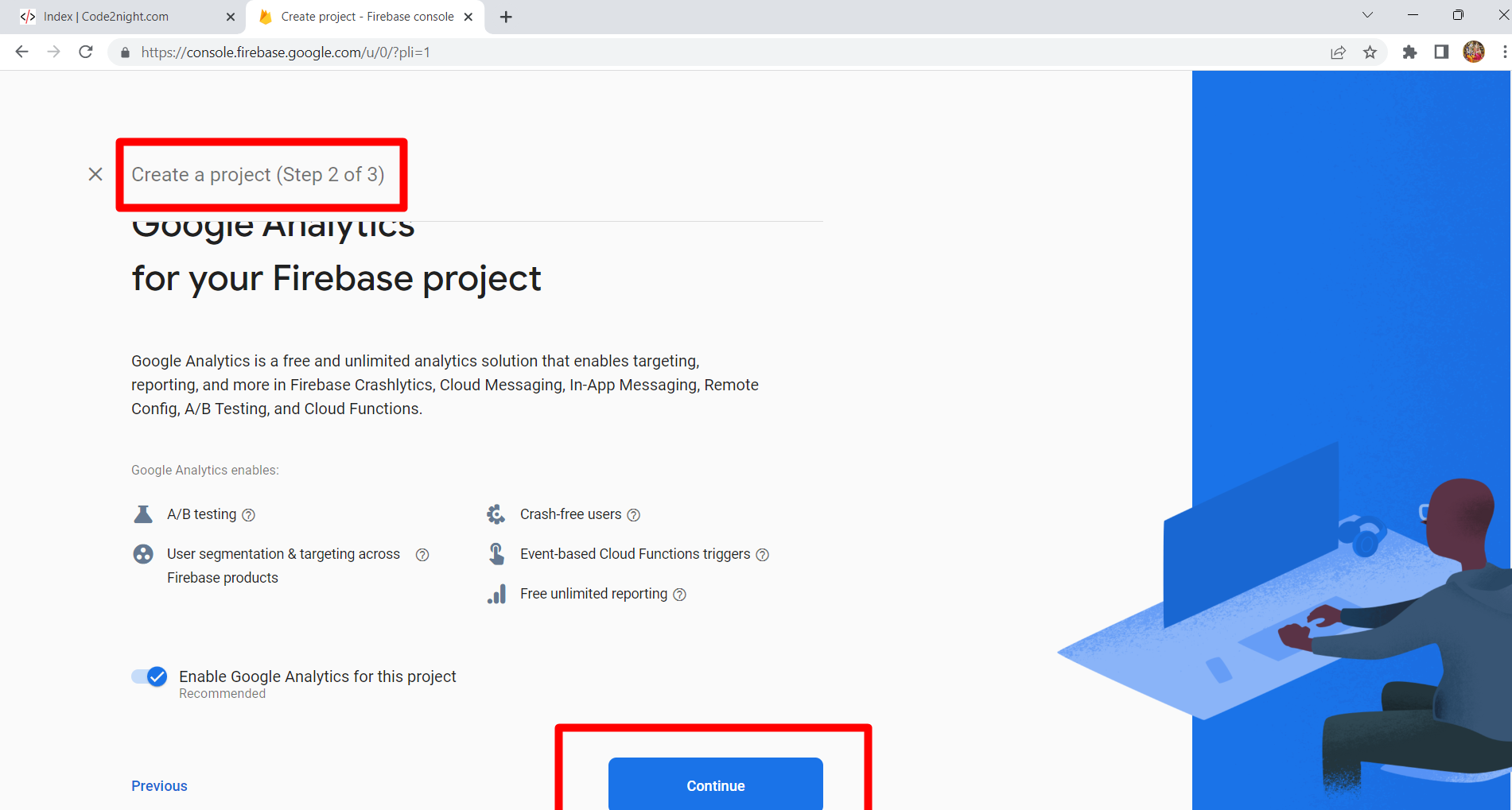
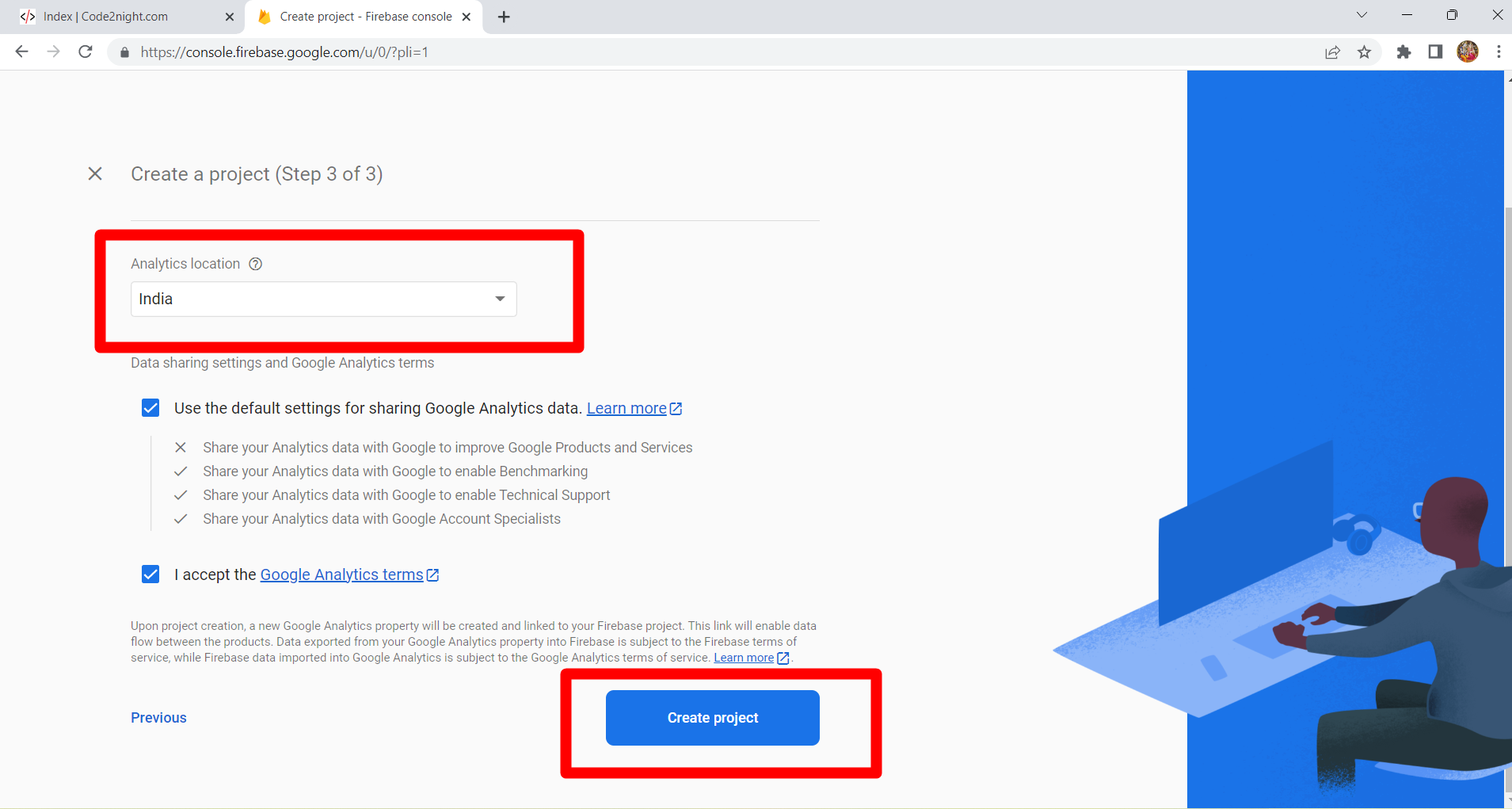
To start using Firebase Database, you first need to create a Firebase project and set up the database. Follow these steps:
- Go to the Firebase Console and sign in with your Google account.
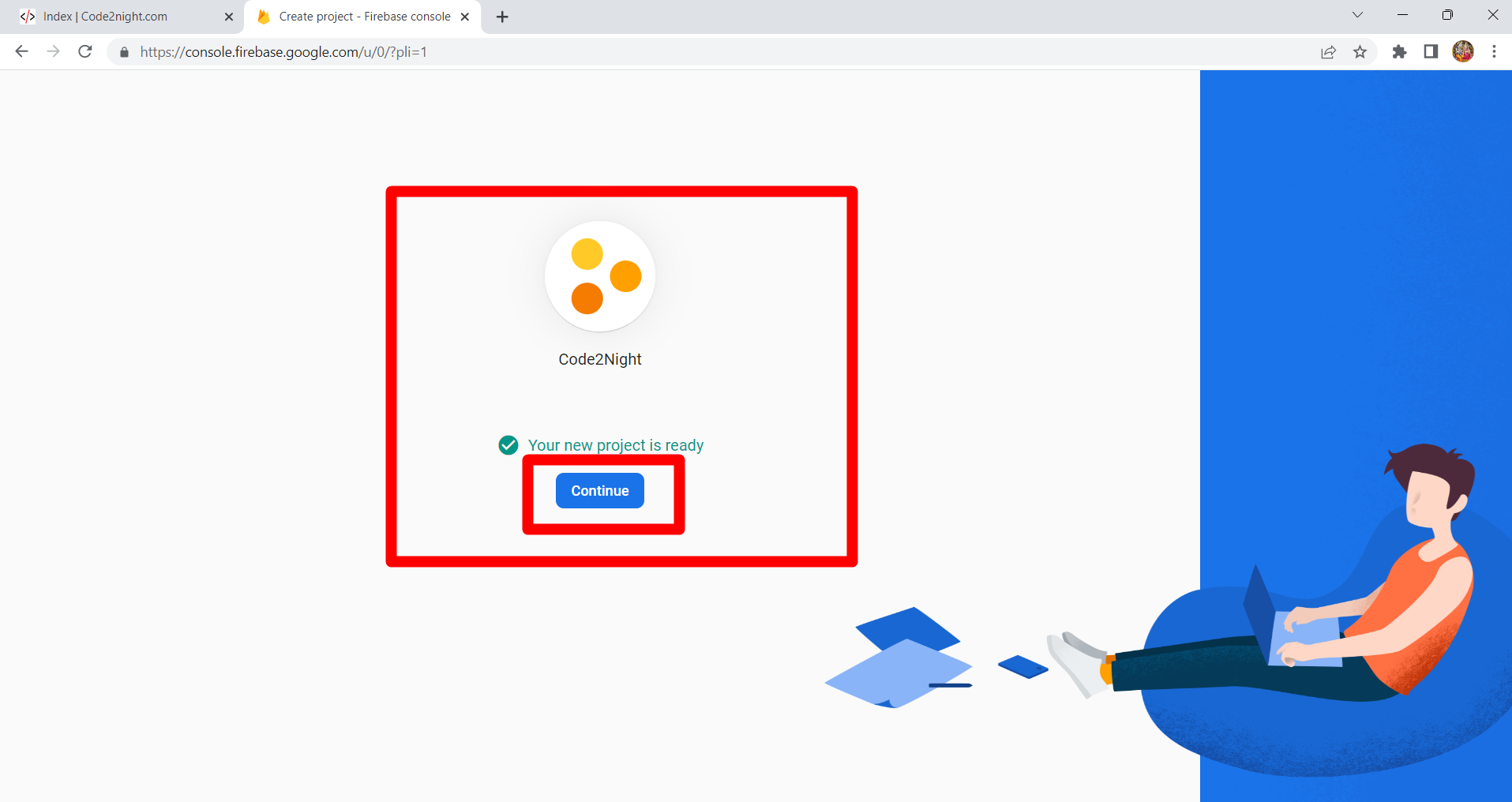
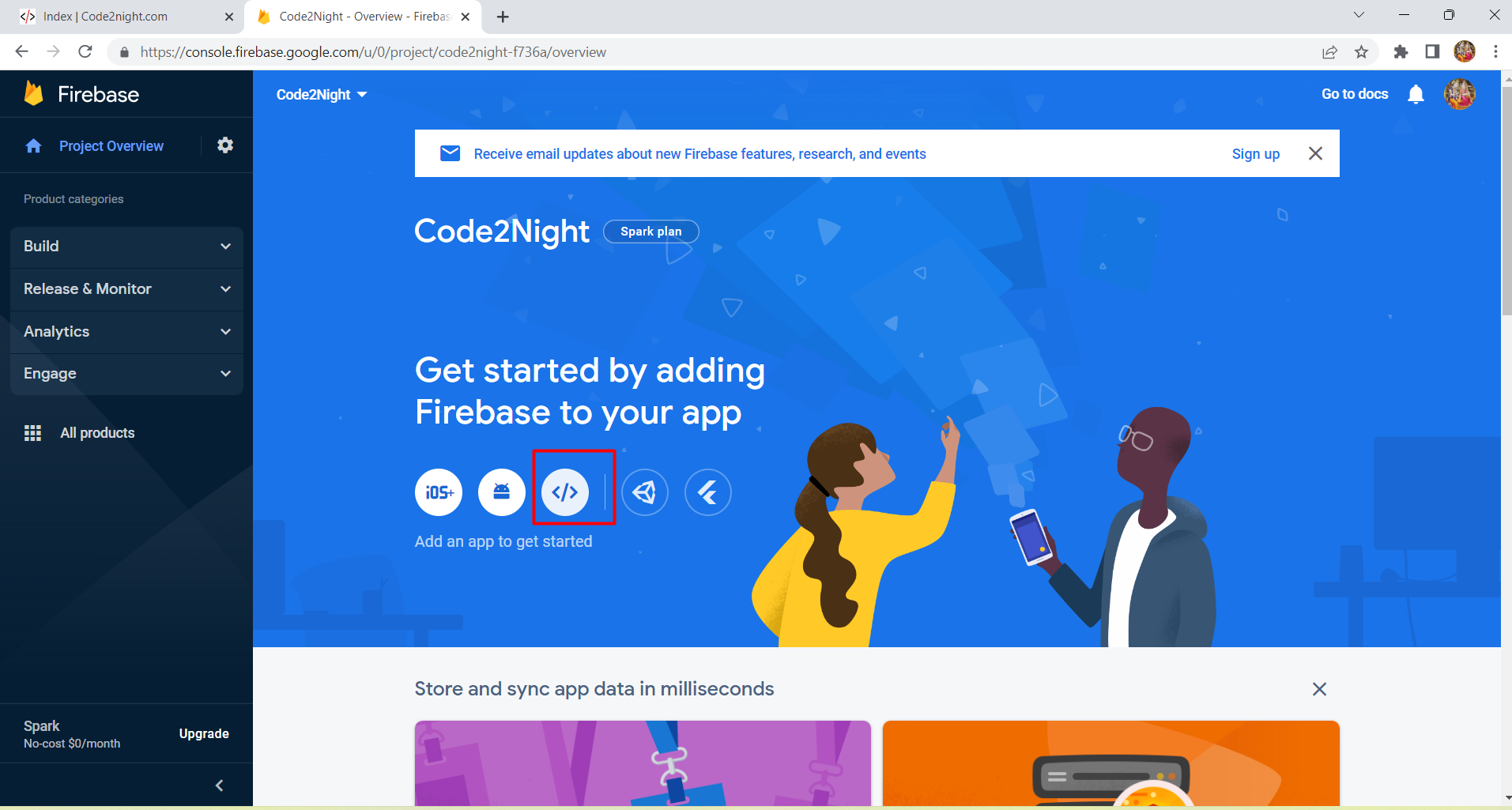
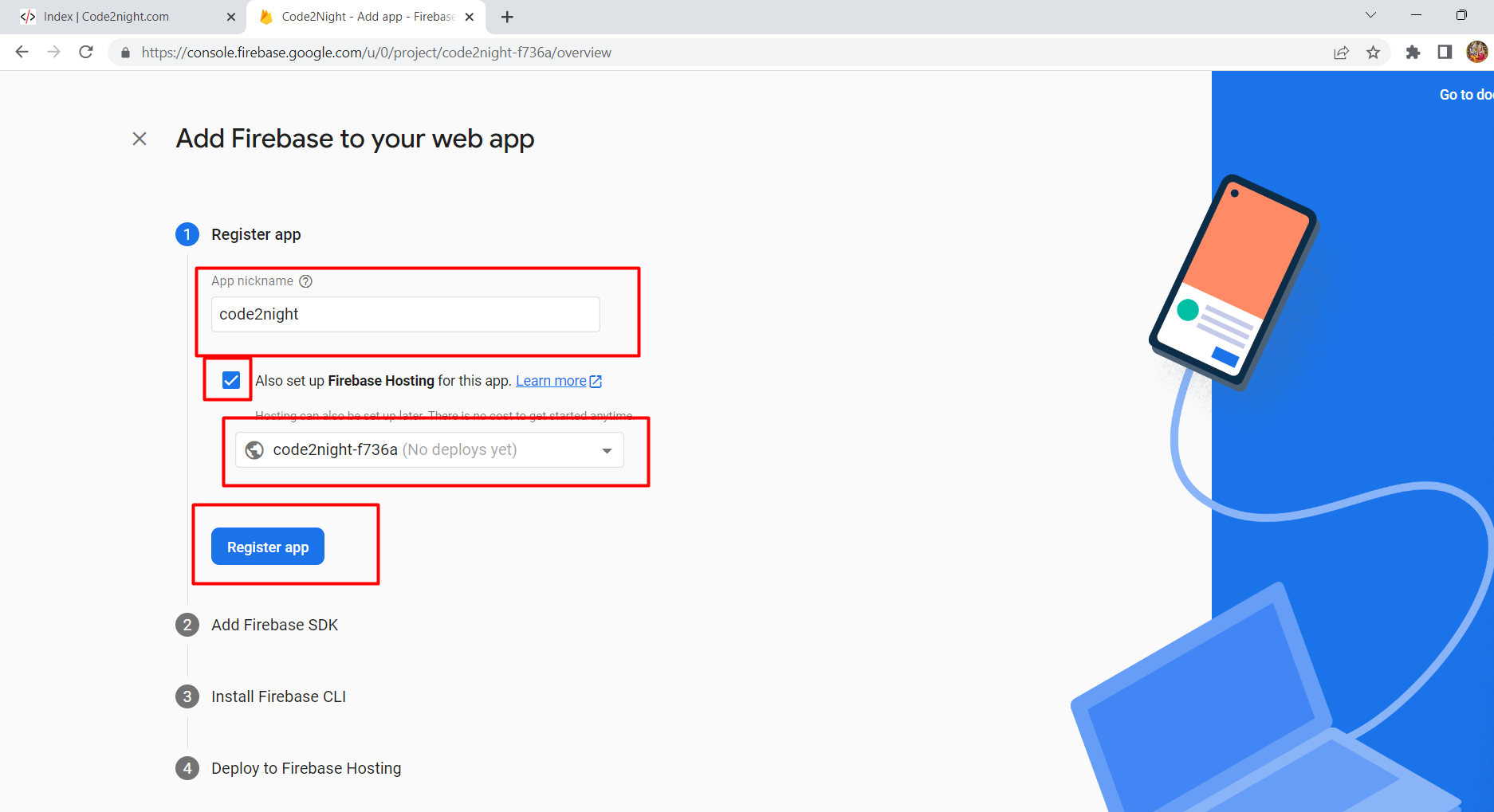
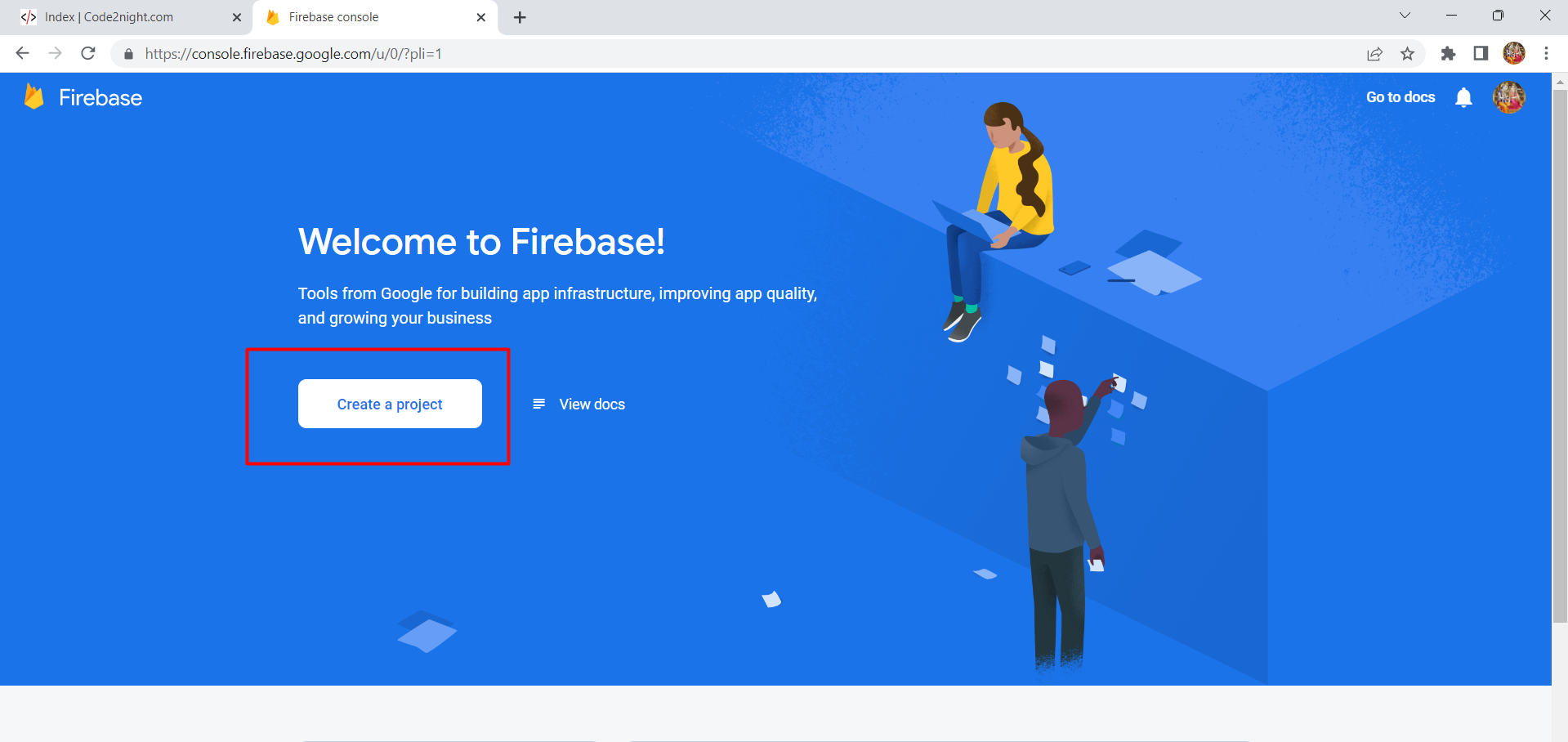
- Click on Create a project and follow the prompts to set up your project.
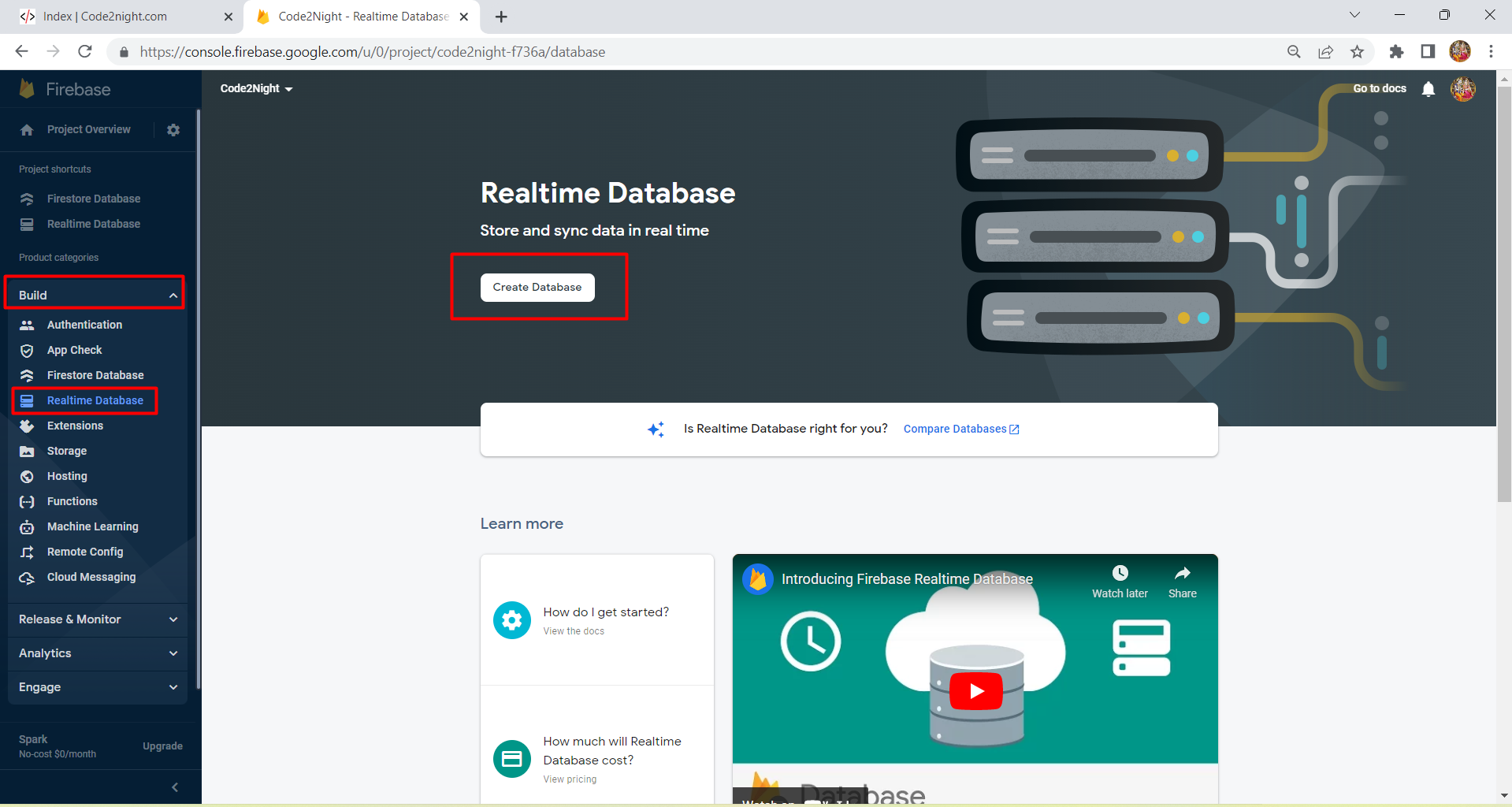
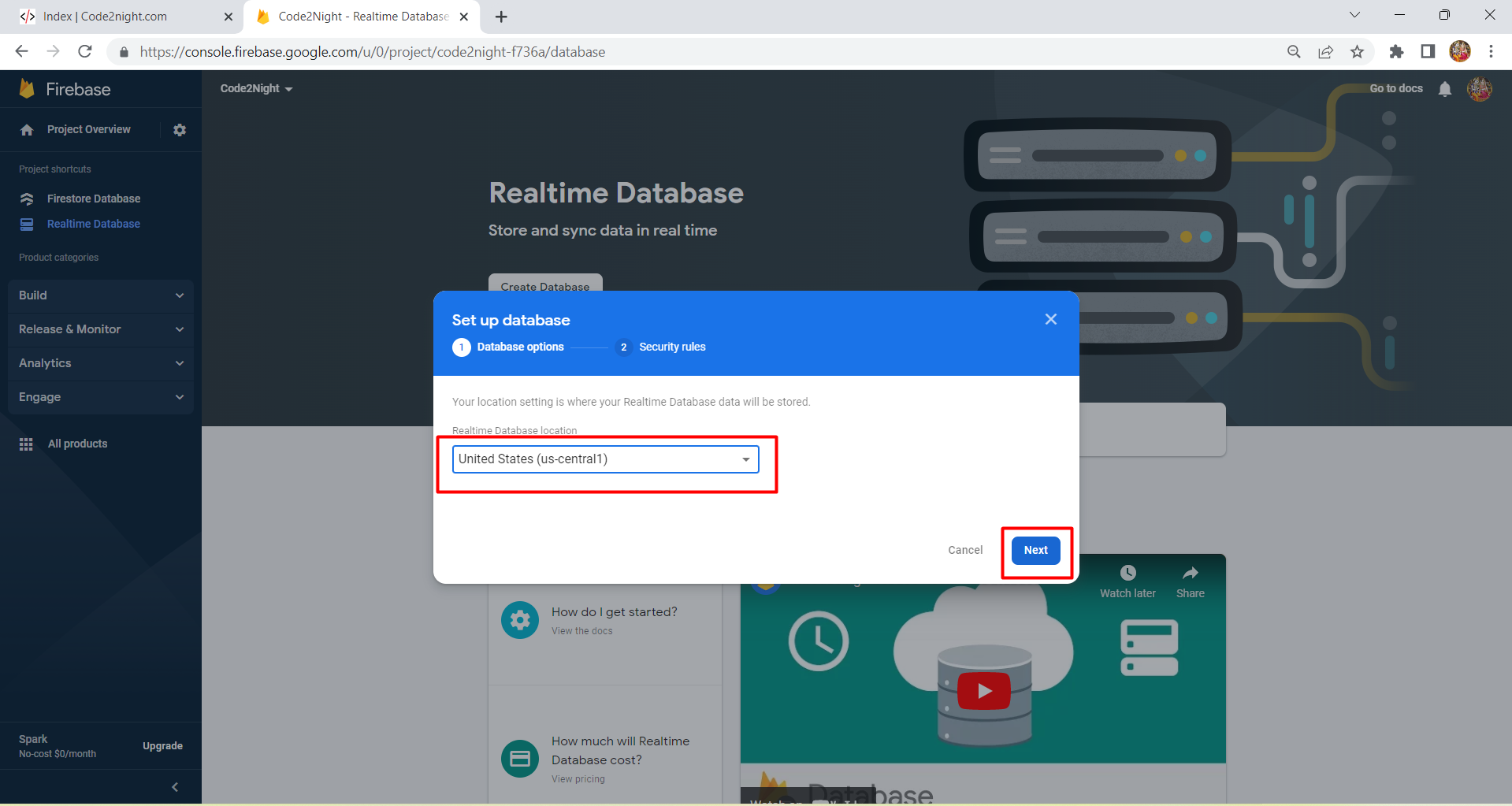
- Once the project is created, navigate to the Realtime Database section from the left-hand menu.
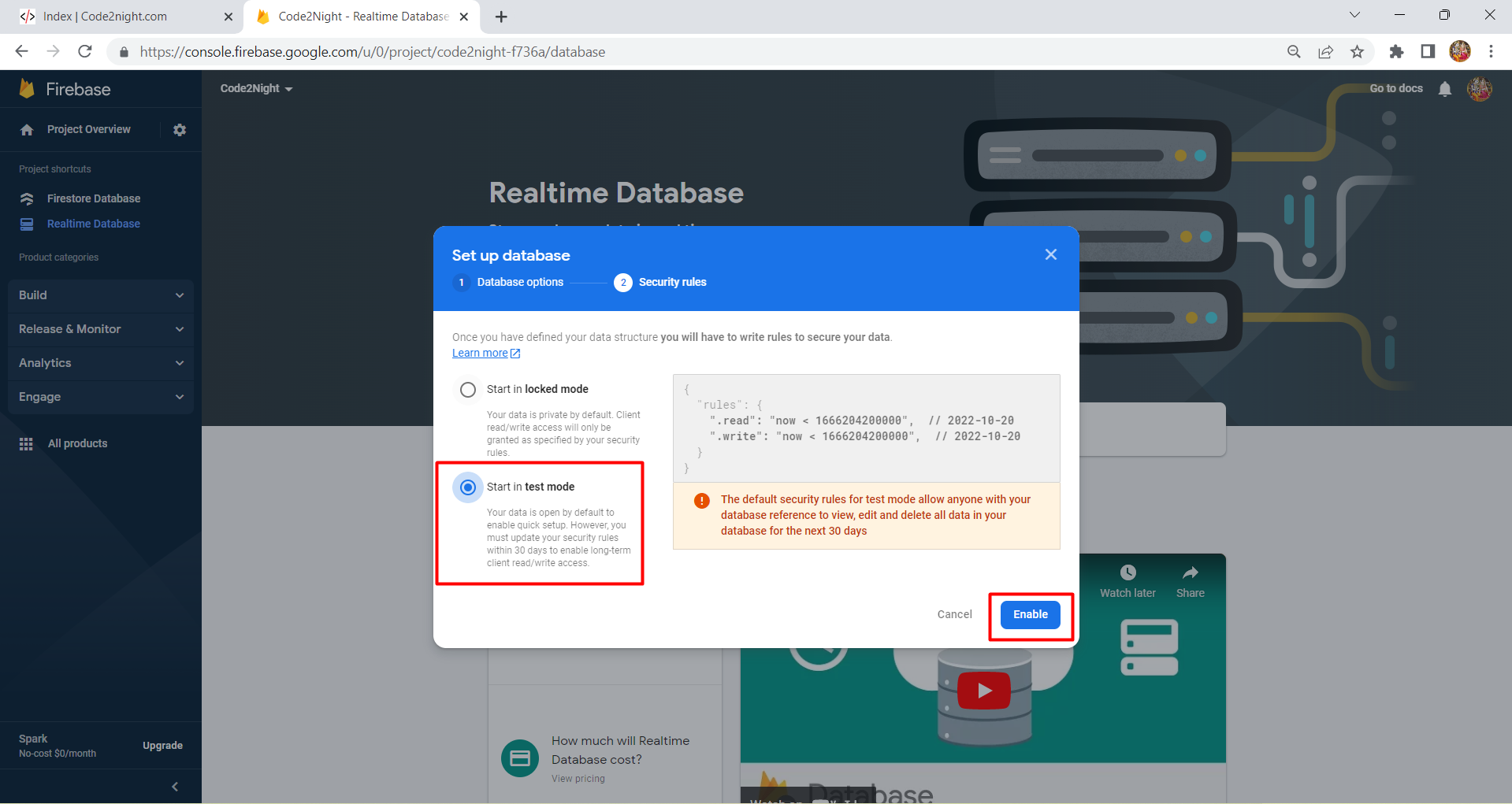
- Click on Create Database and choose Test Mode to allow read and write access during development.
Make sure to secure your database rules before deploying your application to production.
Integrating Firebase with ASP.NET
Now that you have set up your Firebase database, the next step is to integrate it into your ASP.NET application. Begin by creating a new ASP.NET MVC project and install the FireSharp NuGet package. This package allows communication between your ASP.NET application and Firebase.
Install-Package FireSharpOnce the package is installed, create a new controller (e.g., HomeController) and add the following code to connect to your Firebase database:
using FireSharp.Config;
using FireSharp.Interfaces;
using System.Web.Mvc;

namespace Firebase.Controllers {
    public class HomeController : Controller {
        public ActionResult Index() {
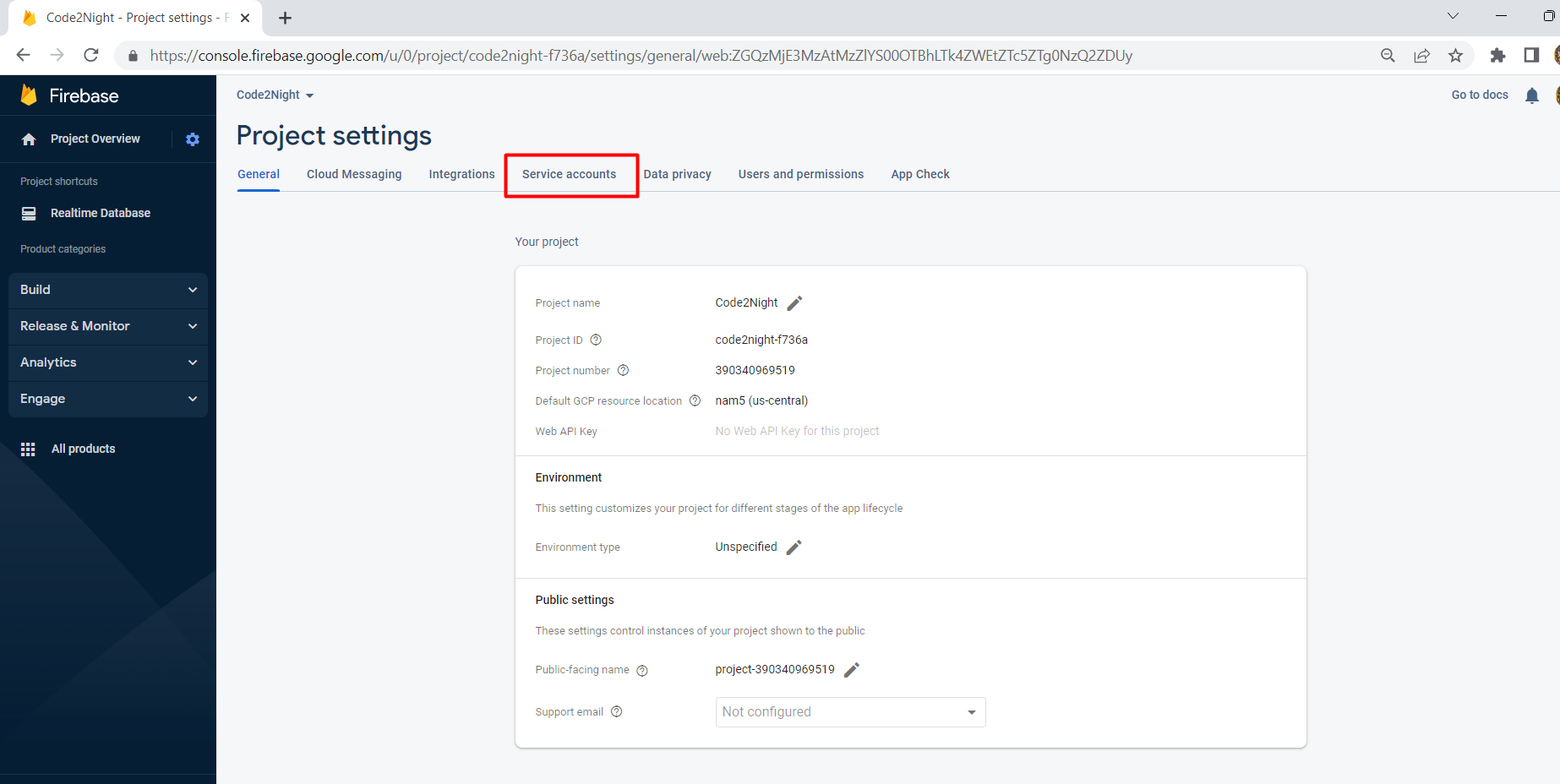
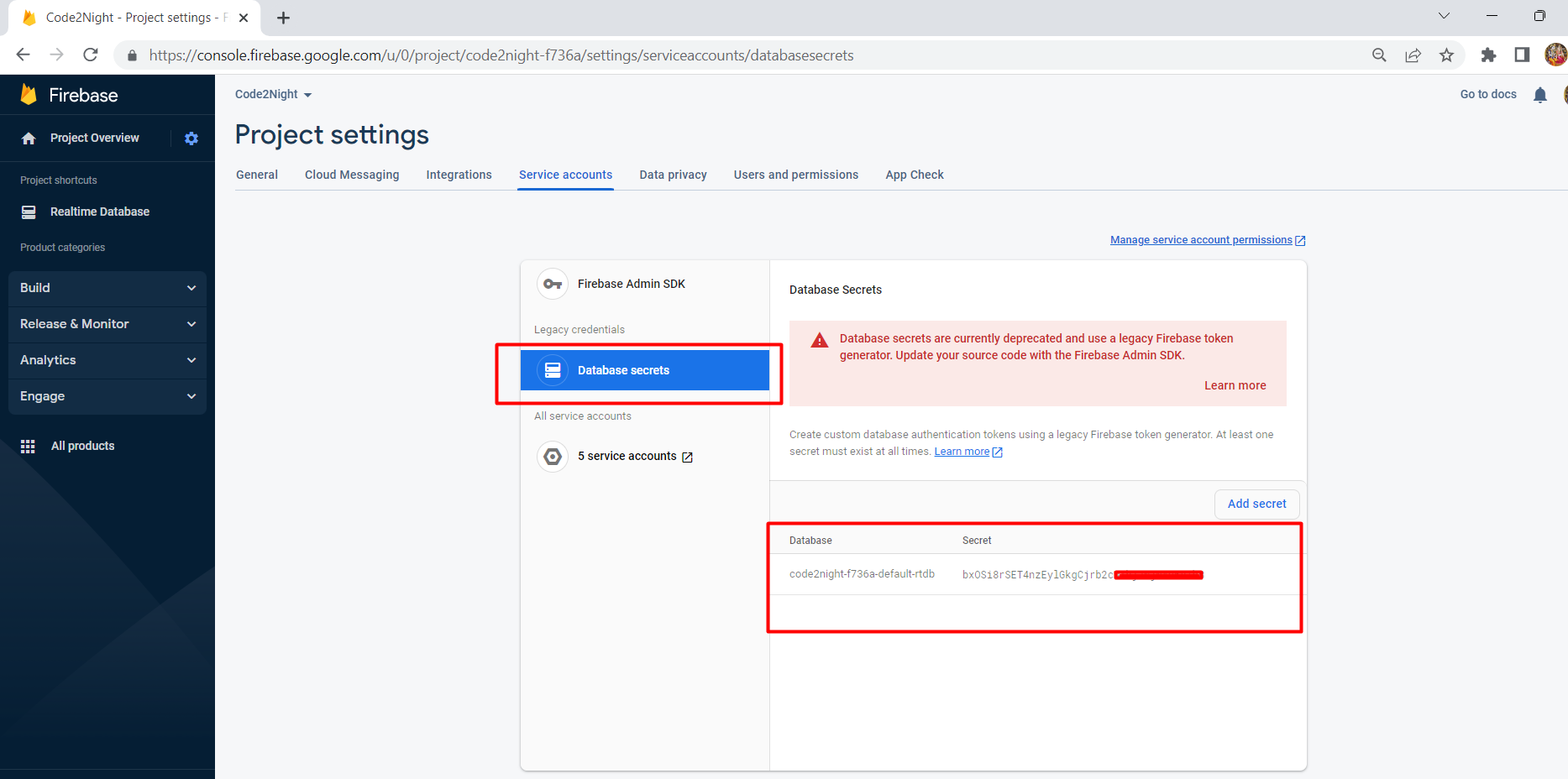
            string authSecret = "YOUR_DATABASE_SECRET_KEY"; // Enter your database secret here
            string basePath = "https://YOUR_DATABASE_URL.firebaseio.com/"; // Enter your database URL
            IFirebaseClient client;
            IFirebaseConfig config = new FirebaseConfig {
                AuthSecret = authSecret,
                BasePath = basePath
            };
            client = new FireSharp.FirebaseClient(config);

            if (client != null && !string.IsNullOrEmpty(basePath) && !string.IsNullOrEmpty(authSecret)) {
                var data = new { Name = "Test", Mobile = "234234" };
                var response = client.Push("doc/", data);
            }
            return View();
        }
    }
}
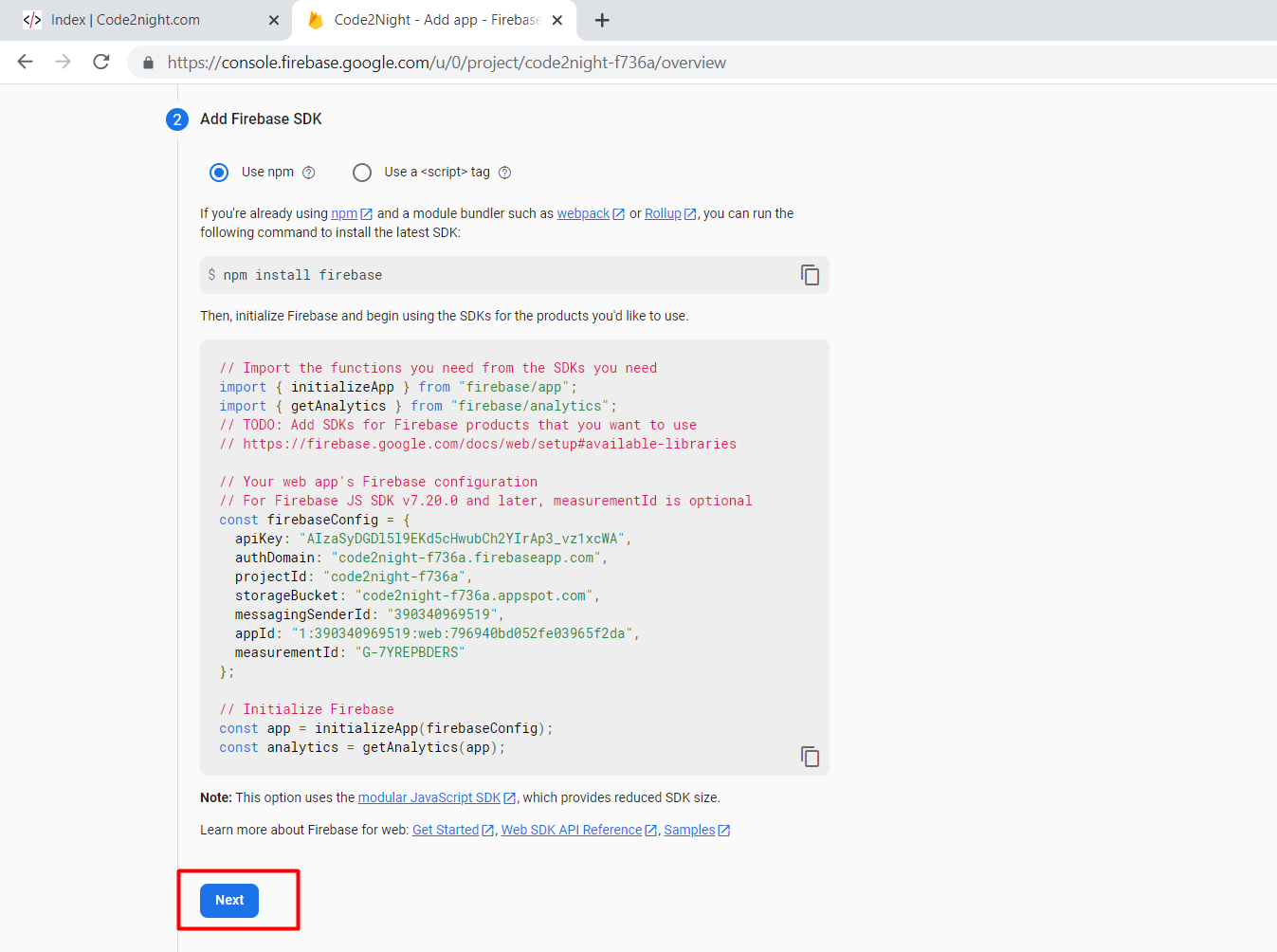
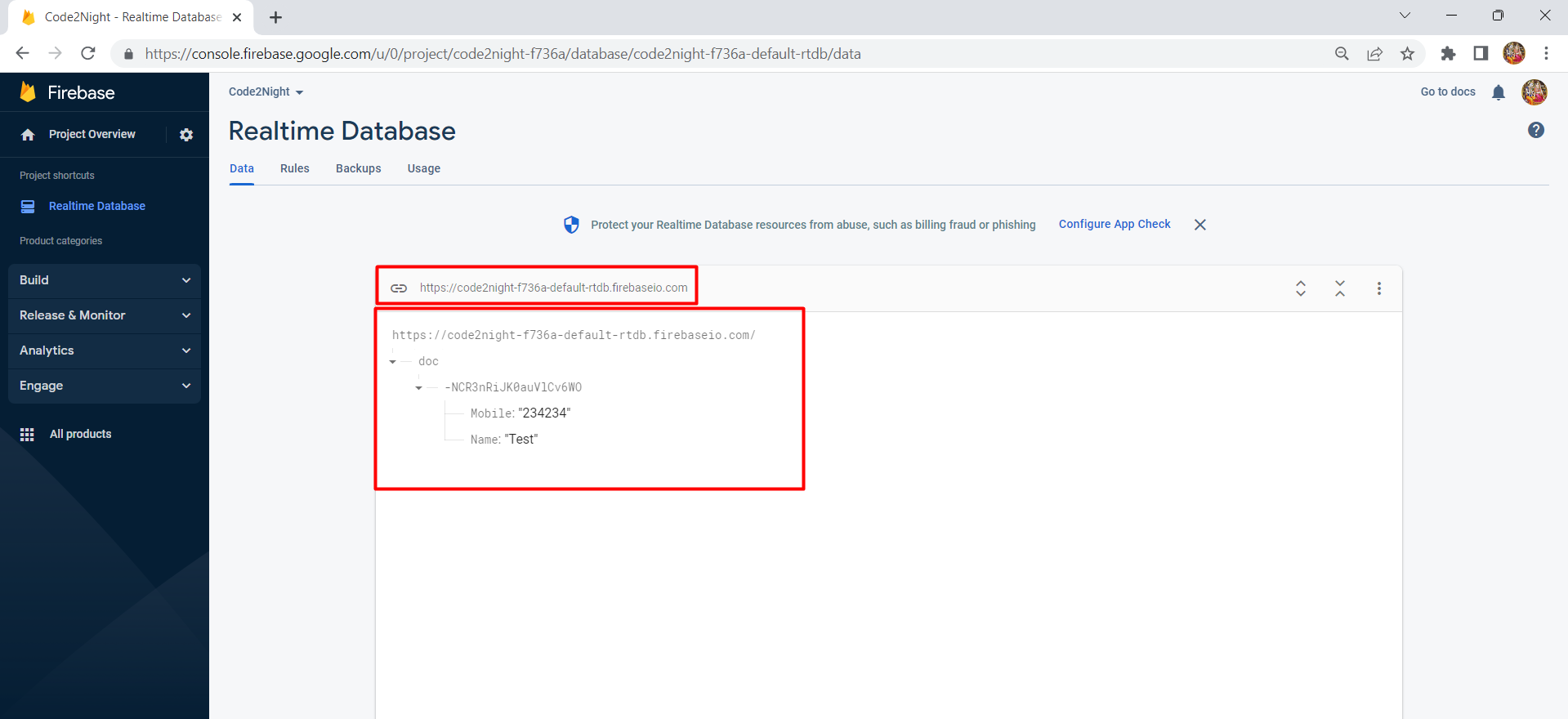
Replace YOUR_DATABASE_SECRET_KEY and YOUR_DATABASE_URL with your actual Firebase credentials. After running the application, you should see the data being saved to your Firebase database.
Reading Data from Firebase
In addition to writing data, you may want to read data from Firebase. This can be accomplished using the Get method provided by the FireSharp library. Here’s how you can implement data retrieval in your controller:
public ActionResult GetData() {
    string authSecret = "YOUR_DATABASE_SECRET_KEY";
    string basePath = "https://YOUR_DATABASE_URL.firebaseio.com/";
    IFirebaseClient client;
    IFirebaseConfig config = new FirebaseConfig {
        AuthSecret = authSecret,
        BasePath = basePath
    };
    client = new FireSharp.FirebaseClient(config);

    var result = client.Get("doc/");
    var data = result.Body;
    return Content(data);
}
This code snippet retrieves the data from the specified path in your Firebase database. You can then manipulate or display this data as needed in your application.
Handling Data Updates and Deletions
Updating and deleting data in Firebase is straightforward. You can use the Set and Remove methods provided by the FireSharp library. Here’s how you can implement these operations:
public ActionResult UpdateData() {
    string authSecret = "YOUR_DATABASE_SECRET_KEY";
    string basePath = "https://YOUR_DATABASE_URL.firebaseio.com/";
    IFirebaseClient client;
    IFirebaseConfig config = new FirebaseConfig {
        AuthSecret = authSecret,
        BasePath = basePath
    };
    client = new FireSharp.FirebaseClient(config);

    var data = new { Name = "Updated Name", Mobile = "123456" };
    var response = client.Set("doc/doc_id", data);
    return RedirectToAction("GetData");
}

public ActionResult DeleteData() {
    string authSecret = "YOUR_DATABASE_SECRET_KEY";
    string basePath = "https://YOUR_DATABASE_URL.firebaseio.com/";
    IFirebaseClient client;
    IFirebaseConfig config = new FirebaseConfig {
        AuthSecret = authSecret,
        BasePath = basePath
    };
    client = new FireSharp.FirebaseClient(config);

    var response = client.Remove("doc/doc_id");
    return RedirectToAction("GetData");
}
Replace doc_id with the actual ID of the document you want to update or delete. This allows you to manage your data effectively within the Firebase ecosystem.
Edge Cases & Gotchas
While integrating Firebase with ASP.NET, be aware of the following edge cases and potential pitfalls:
- Connection Issues: Ensure your internet connection is stable, as Firebase relies on real-time data synchronization.
- Security Rules: When using Firebase in test mode, your database is open to the public. Make sure to configure security rules before deploying your application to prevent unauthorized access.
- Data Structure: Firebase is a NoSQL database, which means you should carefully plan your data structure to avoid issues with data retrieval and manipulation.
Performance & Best Practices
To optimize the performance of your Firebase integration in ASP.NET, consider the following best practices:
- Limit Data Reads: Minimize the amount of data you read from Firebase by using query parameters to fetch only the necessary data.
- Batch Requests: If you need to write multiple entries, consider batching your requests to reduce the number of connections to Firebase.
- Use Firebase Security Rules: Always configure your Firebase security rules to ensure that only authorized users can access or modify your data.
- Monitor Performance: Use Firebase's built-in analytics to monitor the performance of your application and identify potential bottlenecks.
Conclusion
Integrating Firebase Database with your ASP.NET application can greatly enhance its capabilities. By following the steps outlined in this tutorial, you can effectively manage data in real-time, providing a better user experience. Here are the key takeaways:
- Firebase is an excellent choice for real-time data management in web applications.
- Setting up Firebase requires creating a project and configuring security rules.
- Using the FireSharp library simplifies the integration process between ASP.NET and Firebase.
- Always adhere to best practices for performance and security when working with Firebase.