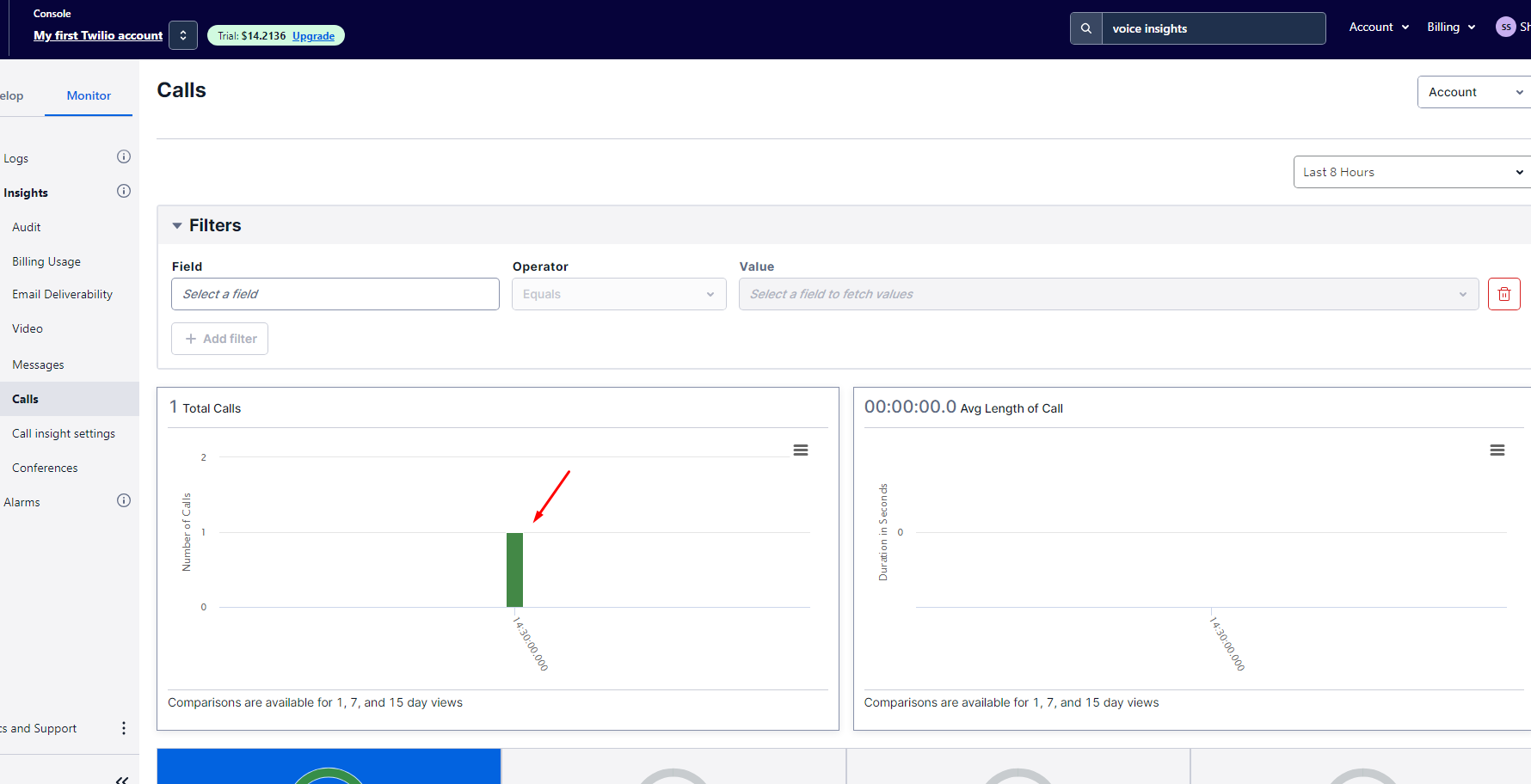
How to make Voice Call using Twillio in Asp.Net MVC
Understanding Twilio and Its Use Cases
Twilio is a cloud communications platform that enables developers to add various communication functionalities, including voice calls, SMS, and video, to their applications. With Twilio, you can build applications that can make and receive calls, send messages, and manage users efficiently. The flexibility and scalability of Twilio make it an ideal choice for businesses looking to enhance their communication capabilities.
Real-world use cases for Twilio voice calling are abundant. For instance, customer support teams can use voice calls to assist customers in real-time, while businesses can use automated calling to send reminders or alerts. Additionally, organizations can leverage Twilio to create interactive voice response (IVR) systems that guide callers through various options, improving user experience.
Prerequisites
Before diving into the integration process, ensure that you have the following prerequisites in place:
- An active Twilio account. You can sign up for a free account to get started.
- Visual Studio installed with ASP.NET MVC support.
- Basic knowledge of C# and ASP.NET MVC framework.
Installing the Twilio NuGet Package
The first step in integrating Twilio into your ASP.NET MVC application is to install the Twilio NuGet package. This package provides the necessary libraries to interact with Twilio's API efficiently. You can install the package using the following command in the NuGet Package Manager Console:
NuGet\Install-Package Twilio.AspNet.Mvc -Version 6.0.0After the installation is complete, you will need to add your Twilio credentials to the web.config file. This includes the Account SID, Auth Token, and your Twilio phone number. Ensure to replace the placeholders with your actual credentials:
<appSettings>
    <add key="config:AccountSid" value="YOUR_ACCOUNT_SID" />
    <!--Replace with your AccountSid-->
    <add key="config:AuthToken" value="YOUR_AUTH_TOKEN" />
    <!--Replace with your AuthToken-->
    <add key="config:TwilioPhoneNum" value="YOUR_TWILIO_PHONE_NUMBER" />
    <!--Replace with your TwilioPhoneNum-->
</appSettings>
Creating the Voice Call Controller
Next, we will create a controller that will handle the voice call functionality. In your ASP.NET MVC application, navigate to the Controllers folder and create a new class named VoiceCallController.
This controller will include methods to initiate a voice call. Here’s a basic implementation:
using System;
using System.Configuration;
using System.Web.Mvc;
using Twilio;
using Twilio.Rest.Api.V2010.Account;
using Twilio.Types;

namespace TwilioMVC.Controllers {
    public class VoiceCallController : Controller {
        // GET: VoiceCall
        public ActionResult Index() {
            return View();
        }

        public ActionResult MakeCall(string toPhoneNumber) {
            string accountSid = ConfigurationManager.AppSettings["config:AccountSid"];
            string authToken = ConfigurationManager.AppSettings["config:AuthToken"];
            string twilioPhoneNumber = ConfigurationManager.AppSettings["config:TwilioPhoneNum"];

            TwilioClient.Init(accountSid, authToken);

            var call = CallResource.Create(
                url: new Uri("http://demo.twilio.com/docs/voice.xml"),
                to: new PhoneNumber(toPhoneNumber),
                from: new PhoneNumber(twilioPhoneNumber)
            );

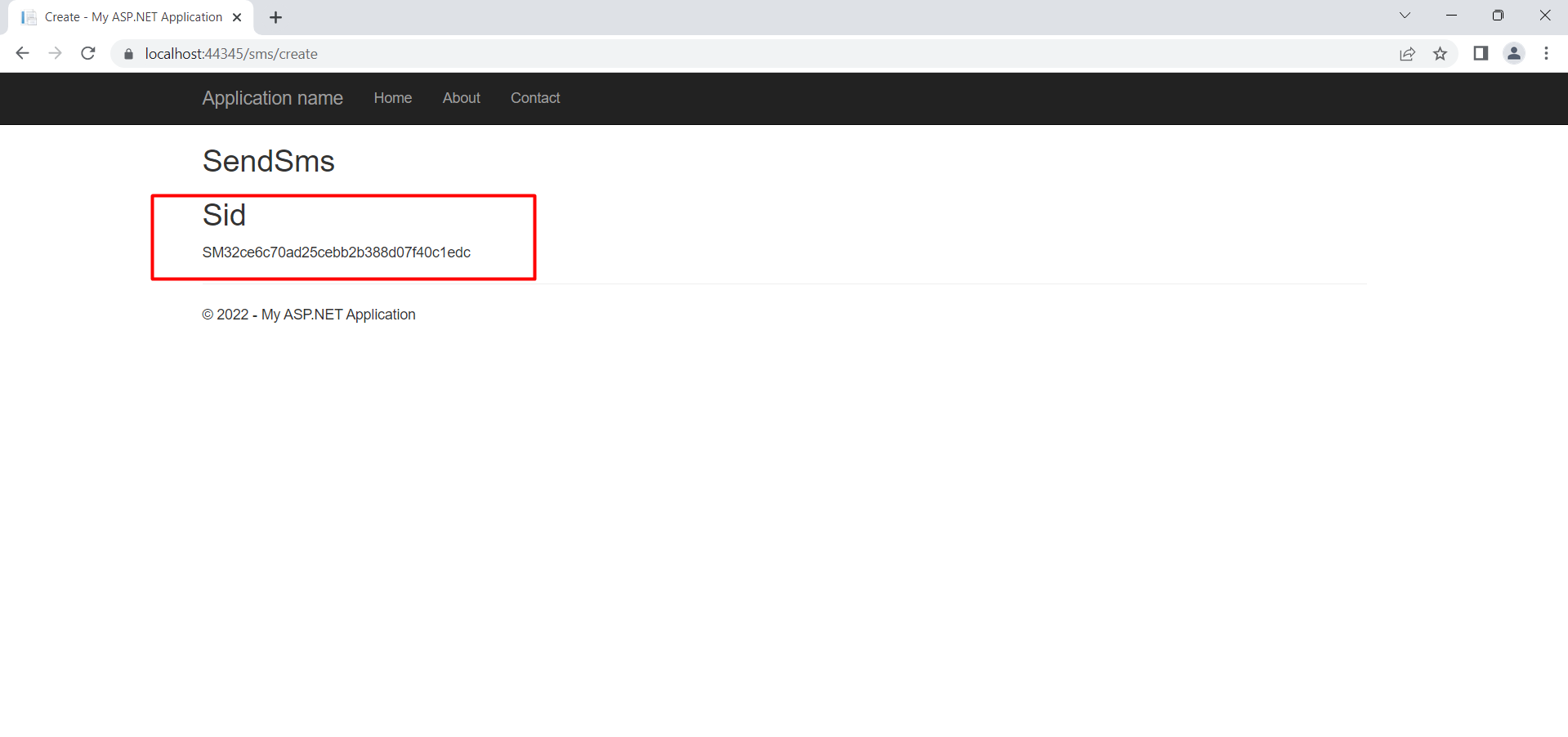
            return Content($"Call initiated: {call.Sid}");
        }
    }
}
In this code, the MakeCall method accepts a phone number as a parameter, initializes the Twilio client, and creates a voice call using the CallResource.Create method. The URL specified in the call will dictate what Twilio does when the call is answered.
Creating the View for Making Calls
Now that we have our controller set up, we need a view that allows users to input the phone number they wish to call. Create a new view named Index.cshtml under the Views/VoiceCall folder:
@{
ViewBag.Title = "Make a Voice Call";
}
Make a Voice Call
This simple form takes a phone number input and submits it to the MakeCall action in the VoiceCallController.
Handling Call Status and Events
Once a call is initiated, it’s essential to manage call statuses and handle events such as when a call is completed or if there’s an error. Twilio provides webhooks for this purpose, allowing you to receive real-time updates about the status of calls.
To set this up, you would modify your Twilio settings to point to an endpoint on your application that can handle these webhooks. For example, you might create a new action in your controller to handle incoming status updates:
public ActionResult CallStatus(string callSid, string callStatus) {
    // Handle the call status update (e.g., log it, update the database, etc.)
    // For example:
    Console.WriteLine($"Call SID: {callSid}, Status: {callStatus}");
    return new HttpStatusCodeResult(200);
}
This method would be called by Twilio whenever there is a change in call status. You would need to ensure that this action is publicly accessible, as Twilio will send requests to it.
Edge Cases & Gotchas
When working with Twilio voice calls, there are several edge cases and potential pitfalls to be aware of:
- Invalid Phone Numbers: Ensure that the phone numbers provided are valid and in the correct format. Twilio requires E.164 formatting (e.g., +14155552671).
- Call Limits: Be mindful of your Twilio account’s call limits. Exceeding these limits can result in additional charges or throttling.
- Webhook Security: Validate incoming requests to your webhook endpoints from Twilio to ensure they are legitimate and not spoofed.
Performance & Best Practices
To ensure optimal performance when using Twilio for voice calls, consider the following best practices:
- Asynchronous Calls: Make use of asynchronous programming to prevent blocking calls in your application, improving responsiveness.
- Logging and Monitoring: Implement logging for all call events and errors to facilitate troubleshooting and monitoring of your application.
- Rate Limiting: To avoid hitting Twilio’s rate limits, implement rate limiting on user requests to your calling functionality.
Conclusion
Integrating voice calling functionality into your ASP.NET MVC application using Twilio is a straightforward process that can significantly enhance user engagement. By following the steps outlined in this guide, you can successfully implement voice calling capabilities in your application.
- Twilio offers a powerful API for voice communication.
- Ensure to handle call statuses and events properly.
- Be aware of edge cases and best practices to optimize performance.